
Get your lesson on your phone with Telegram
You already receive your lesson by email. With Telegram, it also arrives straight on your phone, at the time you chose, and you can join the group of A Course in Miracles students.
Why Telegram?
Your lesson on your phone
One notification a day, with the image and text of the lesson. It no longer gets lost among your emails, and you can read it again wherever you are.
The students' group
Every day, the calendar lesson is posted in the A Course in Miracles Telegram group. You meet other students who practise as you do.
Free, and you keep the email
Telegram comes in addition to the email, it does not replace it. You can turn Telegram off at any time from your space.
How to connect, in 3 steps
Before you start: install the Telegram app on your phone (free, on the App Store or Google Play). Download Telegram
-
1
Open your space and tap “Connect Telegram”
Open your space with the “Manage my preferences” link at the bottom of every lesson email. Under “Channels”, tap “Connect Telegram”.
Open my space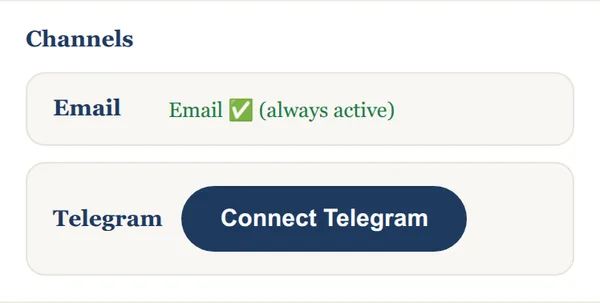
-
2
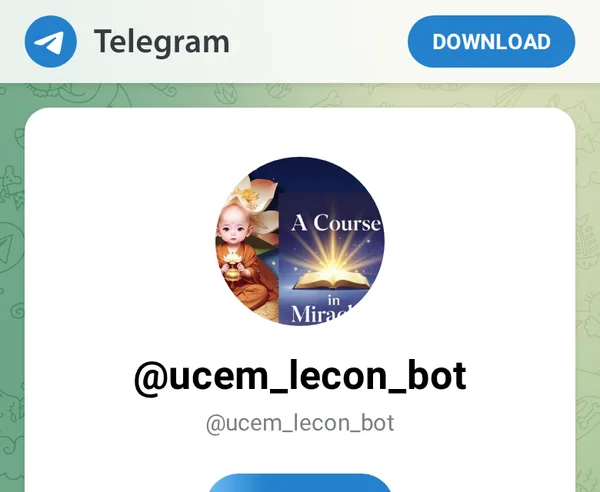
Tap “Start” in Telegram
Telegram opens on our bot, @ucem_lecon_bot. Tap “Start”: it confirms right away that Telegram is connected. Your next lesson will arrive there.
-
3
Join the students' group
Tap the button below, then “Join group” in Telegram.
Join the Telegram group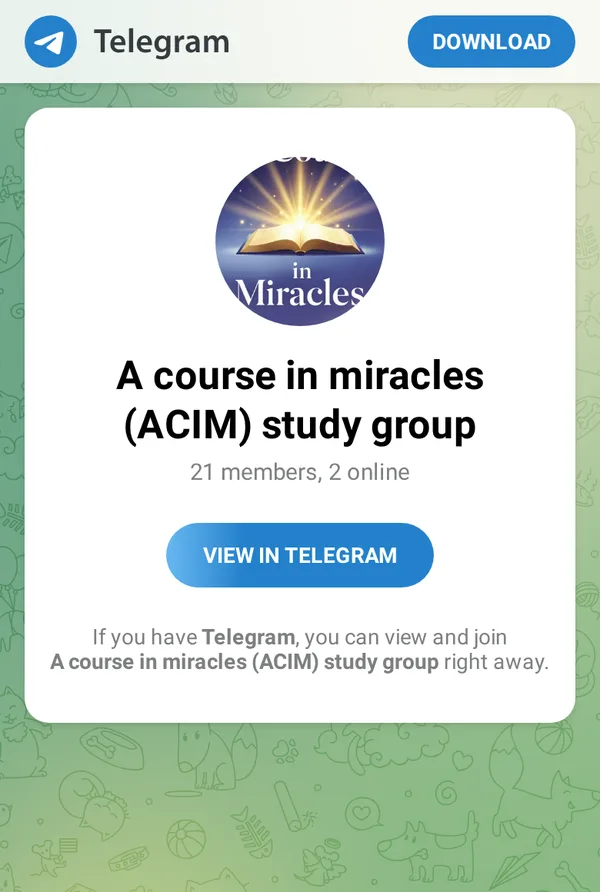
Frequently asked questions
I can't find the link to my space
Ask for it with your email: you will receive it right away. Get the link to my space
I want to stop receiving the lesson on Telegram
In your space, untick “Also receive on Telegram” or tap “Disconnect”. The email goes on.
I don't have Telegram on this phone
Install it first, then come back and tap “Connect Telegram”: the connection link will be waiting for you. Download Telegram